📸Free online photobooth · photo strip maker in your browser
A photobooth website for phone, computer and tablet browsers · make a photostrip for free · no app
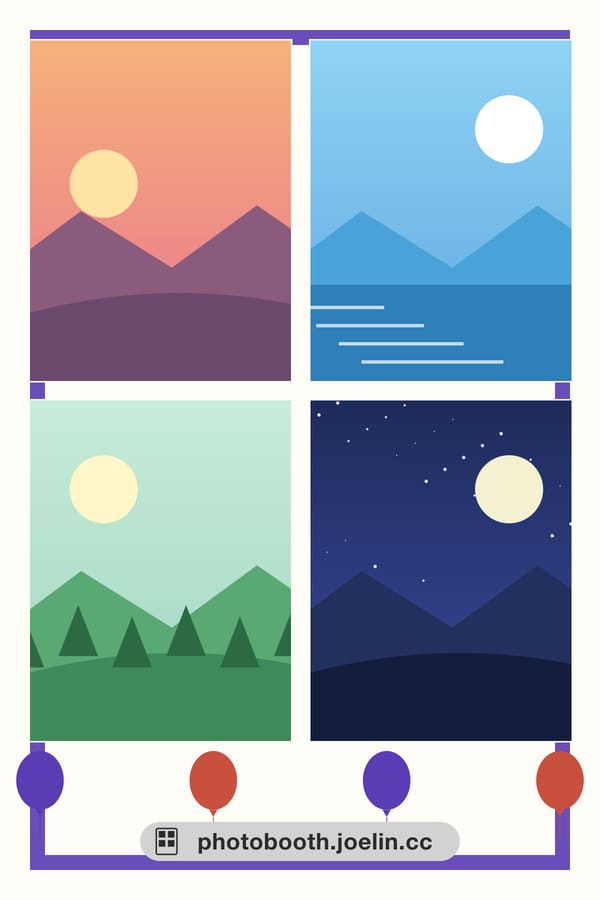
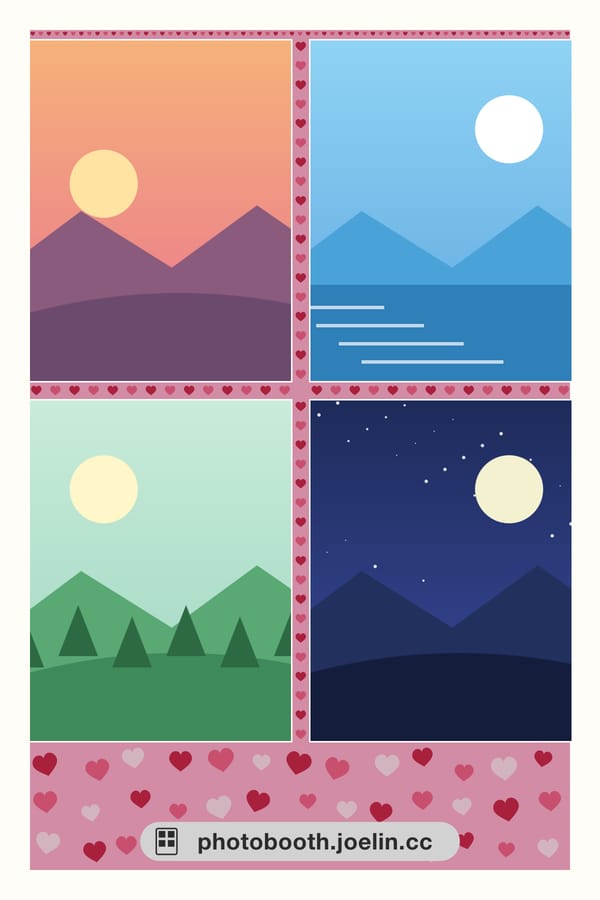
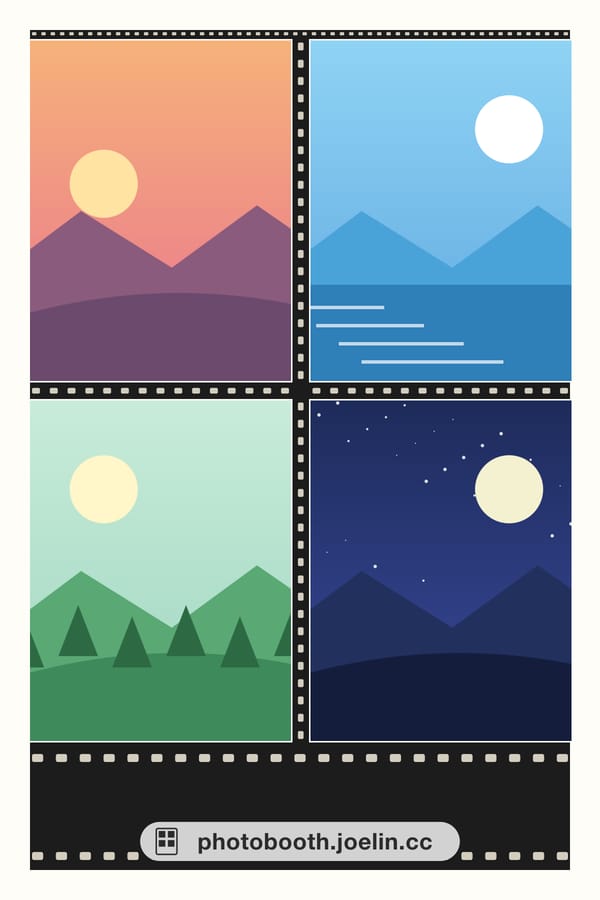
26 built-in frames ready to use · or use a frame you made yourself
Press start → take or upload four photos → sign in and download a 4×6 print-ready JPG. Everything runs in your browser and your original photos are never uploaded. Downloading needs a free joelin.cc sign-in. When you download, the finished strip is saved to your account, so you can get it again from “My photos”. The full-size file is kept for 14 days; the thumbnail stays until you delete the photo or your account.
Photobooth online · four-shot photo strip maker (v0.2 Frames edition)
Runs in your browser; your original photos are never uploaded. Three-second countdown, four shots, then sign in and download a 4×6 print-ready JPG.
Frames are already available. Style filters are still in development and will be added over time.
What it does
- Four-shot photo strip — Shoot or upload, three-second countdown, mirrored preview, non-mirrored output
- 4×6 print format — 1200×1800 at 300 DPI JPG, the same format photo printers take
- Three layouts — Full 4×6 / two 2×6 vertical strips (the classic photobooth shape) / a 4×3 horizontal cut
- Your original photos stay in the browser — Shooting, uploading, compositing and preview all happen in your browser, and the four original photos are never sent to a server. Only when you download is the finished strip saved to your joelin.cc account — the full-size file for 14 days, the thumbnail until you delete it
- PWA — Add it to your home screen; the app shell opens offline
How it works
- No app to install — Just open the URL in a browser — it is free, with nothing to install. Phone, tablet or computer works the same way; on a laptop, you can shoot with your webcam, or upload photos if you have no camera. You sign in with a free joelin.cc account (Google, Apple or email) when you download.
- Shoot or upload, either is fine — Take four selfies on the spot, or upload four photos already on your device.
- Choose the layout yourself — Full 4×6, two 2×6 vertical strips (the classic photobooth shape), or a 4×3 horizontal cut.
- Sign in, download and print — The finished photo strip downloads as a 1200×1800, 300 DPI JPG, which a print shop or a home photo printer can both handle. The same strip is saved to your account, where the full-size file is kept for 14 days.
- Frames are already available — You can apply one of the built-in site frames — for example the Vintage designs Film Strip Border and Checkerboard Border, or the Fan colors designs Fan Color - Sakura Pink and Fan Color - Mint Green — or upload an image you made (PNG or JPG) and the photo windows are cut out automatically. Style filters are still in development — no overstating it here.
Which photo strip layouts (templates) are available
People often ask where to find a four-shot photo strip template. In this tool the templates are the layouts below: once you start shooting, you switch between them in the frame panel, with nothing to download separately. There are three photobooth-line layouts, plus one separate newspaper-style family, four in total.
- Full 4×6, vertical four-shot — A 1200×1800 portrait layout with the four shots in a 2×2 grid, each shot upright. Made for keeping the whole sheet as one four-shot photo without cutting, and it is the default layout when the tool opens.
- Two 2×6 vertical strips — The same 1200×1800 sheet, carrying two identical 2×6 strips of four shots each. Cut down the middle and you get two long strips, the classic photobooth shape, for when you want two copies to split.
- 4×3 horizontal cut — The sheet turns landscape at 1800×1200, with the four shots in a 2×2 grid and each shot in a wide format. Suits group photos framed sideways or shots that need the background.
- Newspaper-style 2×2 (a separate family, not counted in the "three layouts" above) — A 2480×3508 portrait sheet with the four shots in a 2×2 grid, each in a wide format, paired with the kraft-paper newspaper-style frames. For a full-page newspaper look rather than the traditional sticker strip.
Note that "layout" and "frame" are two different layers: the layout decides how the four photos are arranged and whether the sheet is cut into strips; the frame is the layer of borders and artwork placed over the photos. You pick each separately and can combine them. The difference is explained in full in question 4 of the FAQ below.
Frame designs
The section above is about layouts (how the four photos are arranged); this one is about frames — the layer of borders and artwork over the photos. There are 28 designs right now: 26 photobooth-style designs, each made for all three layouts (Full 4×6, 2×6 strips, 4×3 horizontal), plus 2 newspaper-style designs. Once you start, switch frames right in the frame panel — no separate download needed.
 Cream Plain Border Plain
  Navy Plain Border Plain
 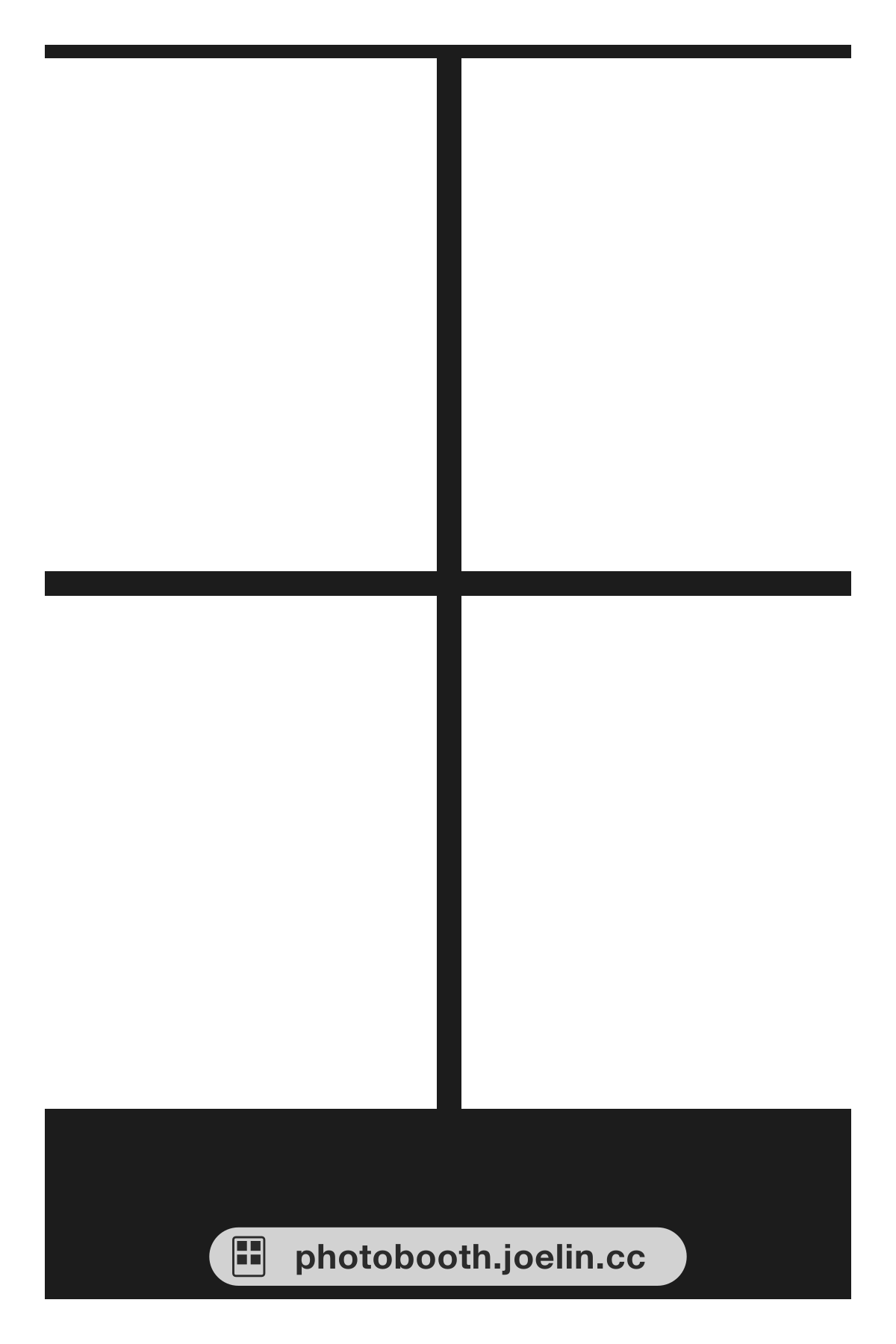 Black Classic Border Plain
 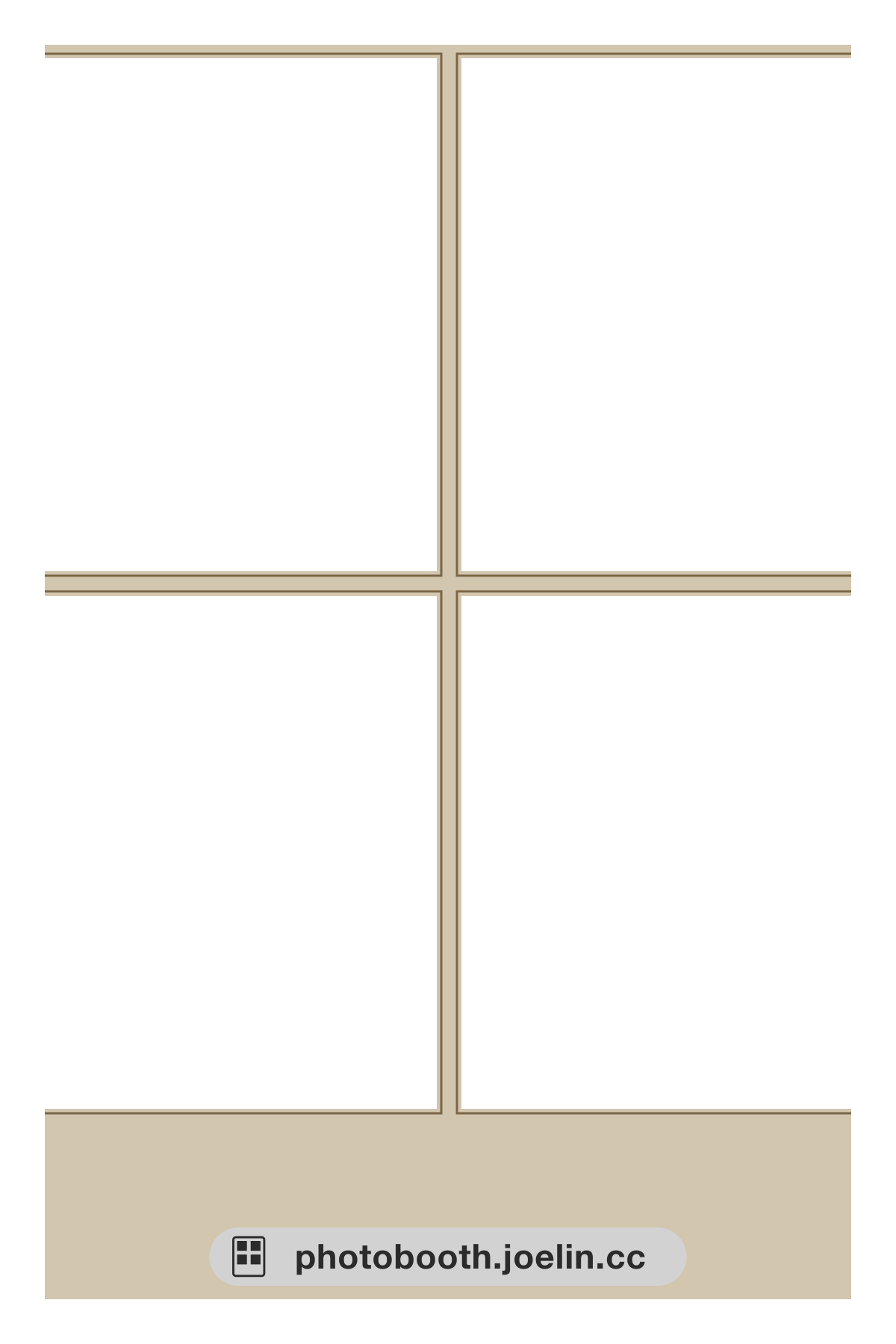 Beige Thin-line Border Plain
  Birthday Confetti Border Birthday
  Birthday Balloon Border Birthday
  Birthday Star Border Birthday
  Festival Lantern Border Holiday
  Festival Firework Border Holiday
  Festival Diamond Border Holiday
  Fan Color - Sakura Pink Fan colors
  Fan Color - Mint Green Fan colors
 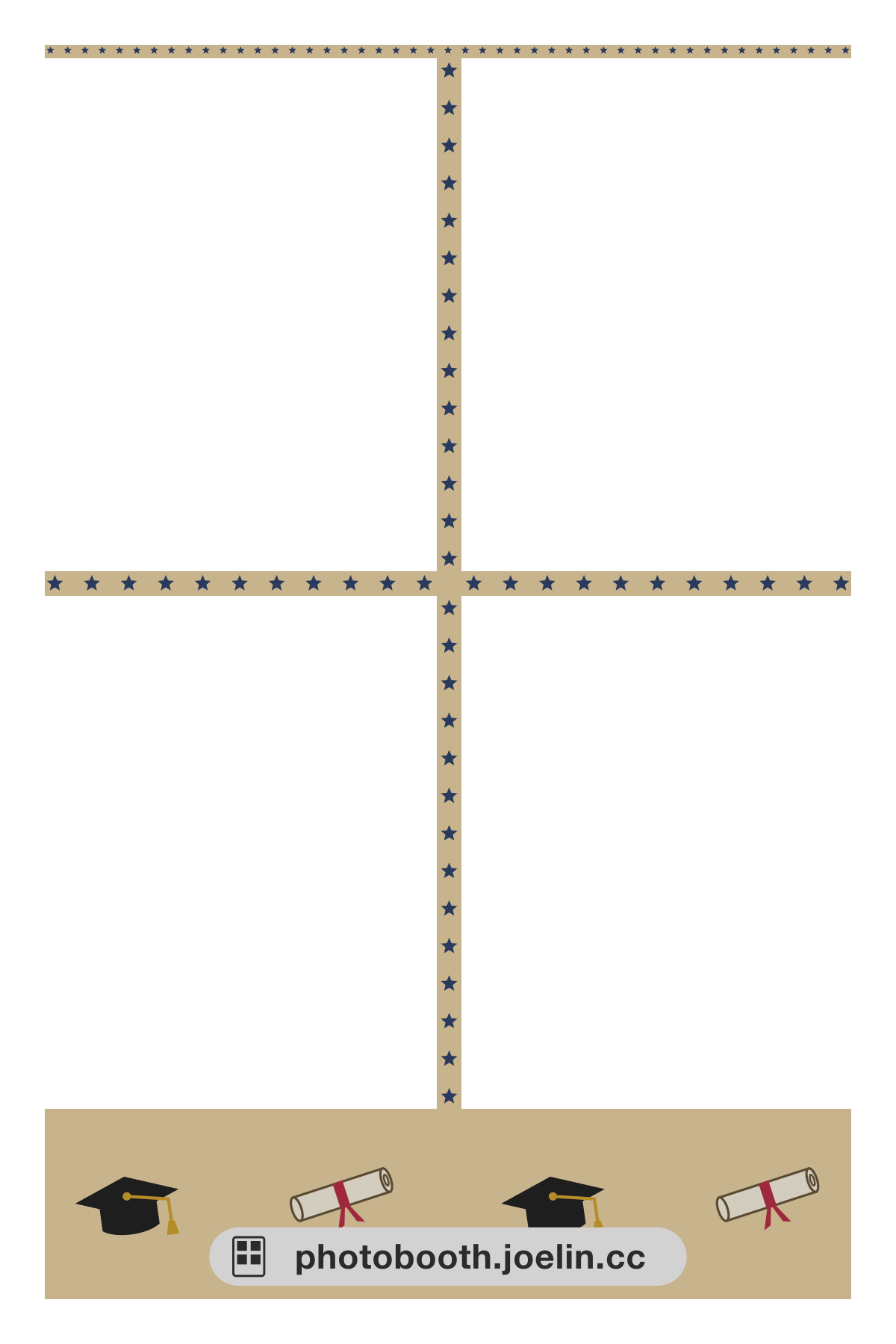 Graduation Cap Border Graduation
 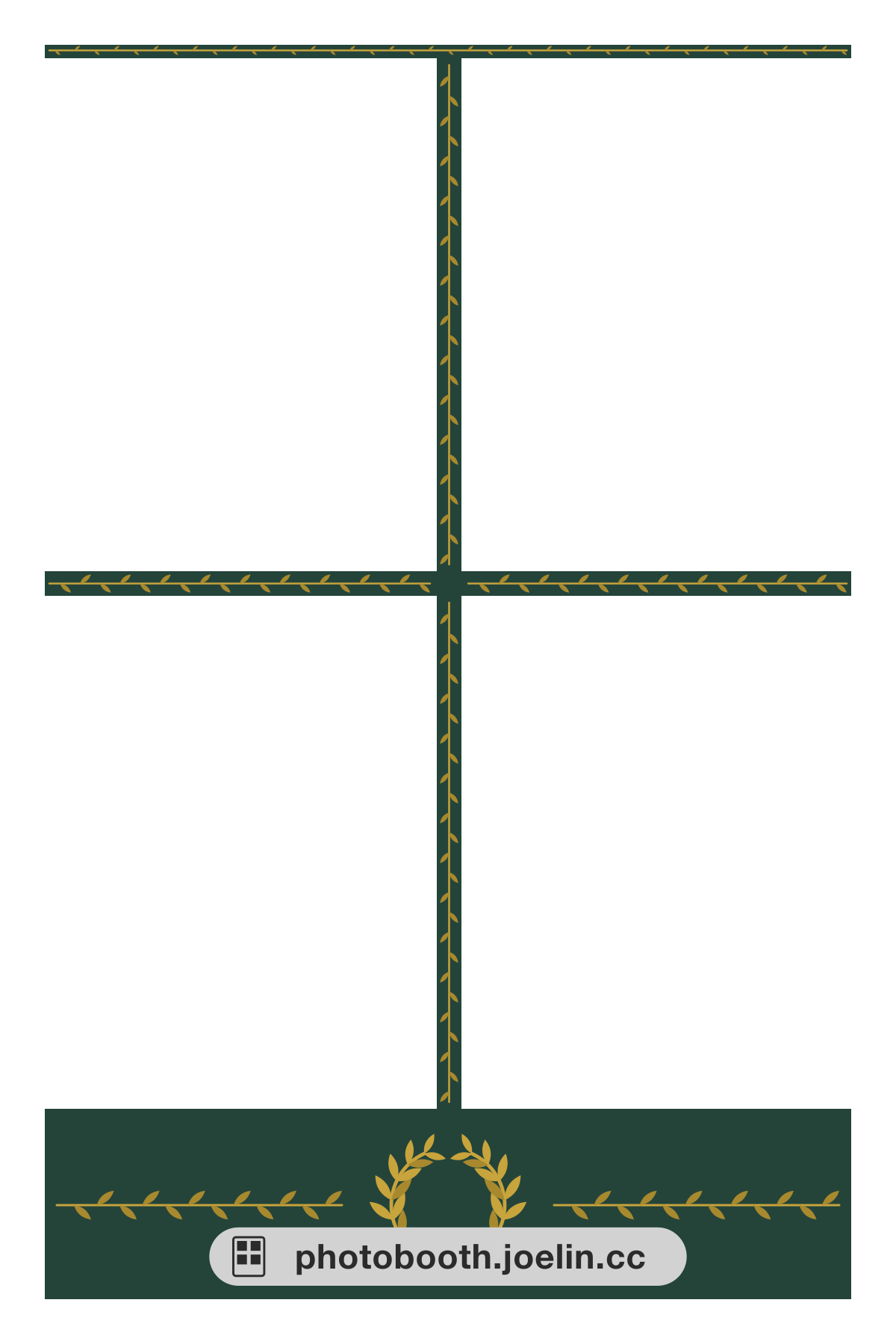 Graduation Laurel Border Graduation
 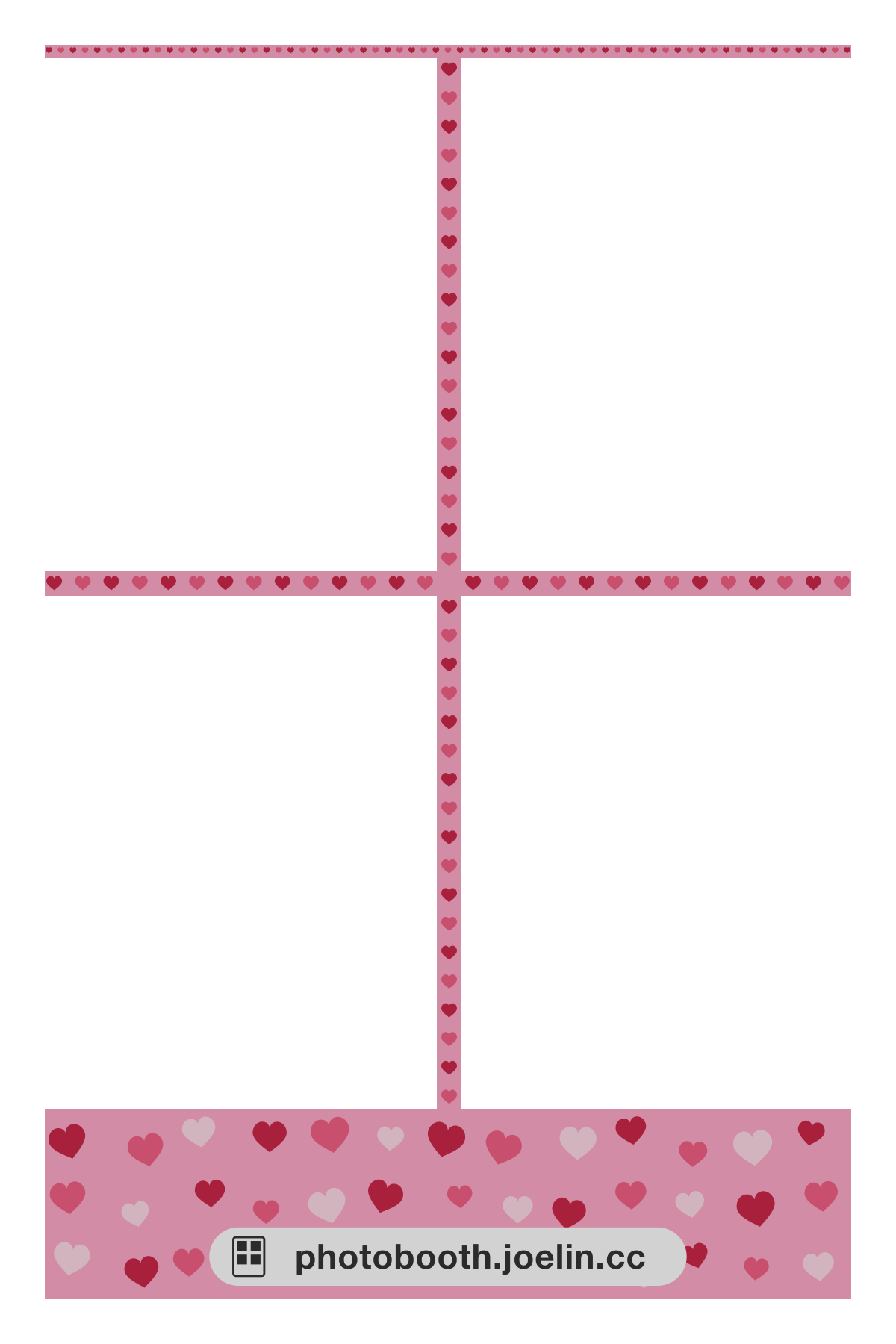 Heart Border Couple
 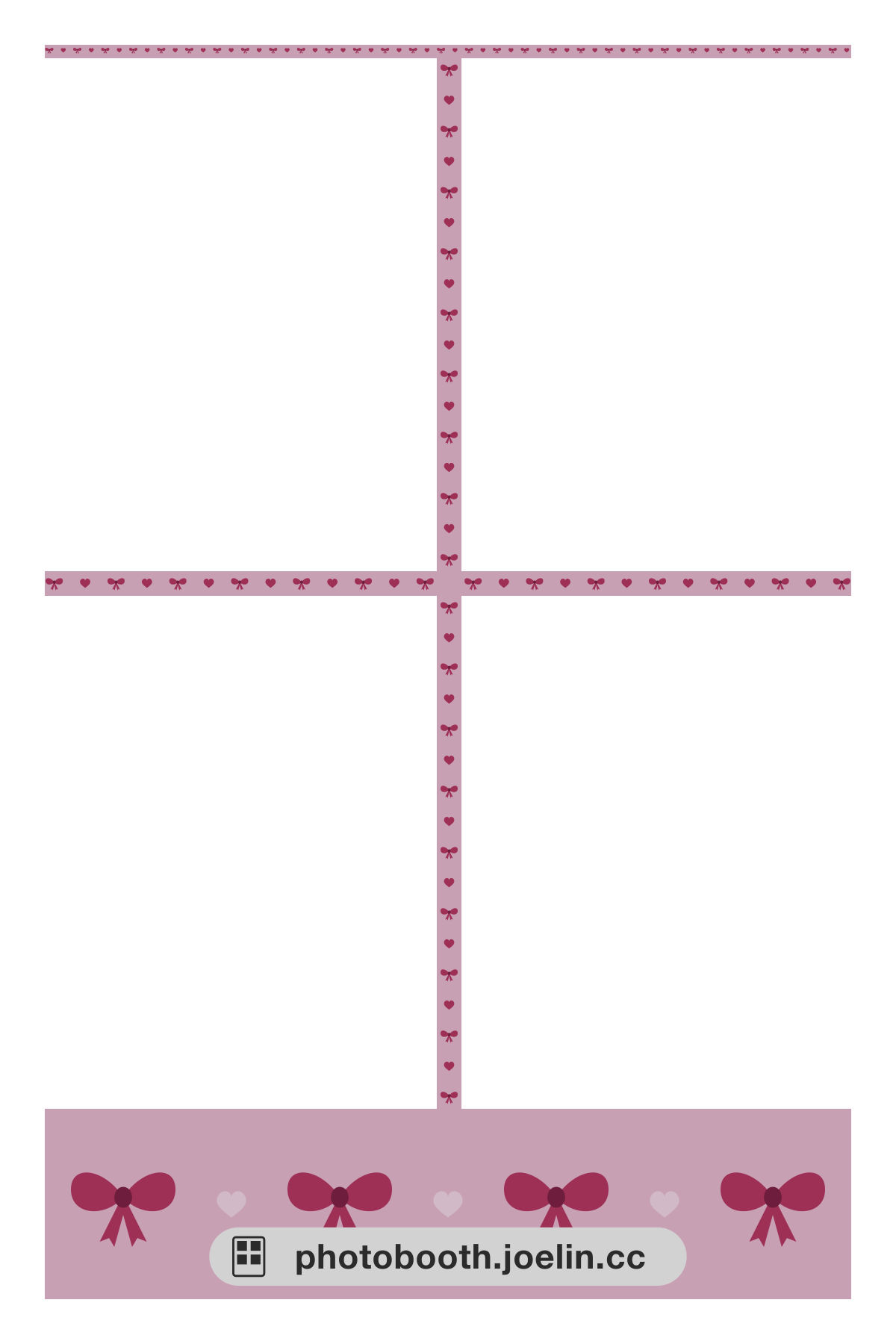 Ribbon Border Couple
 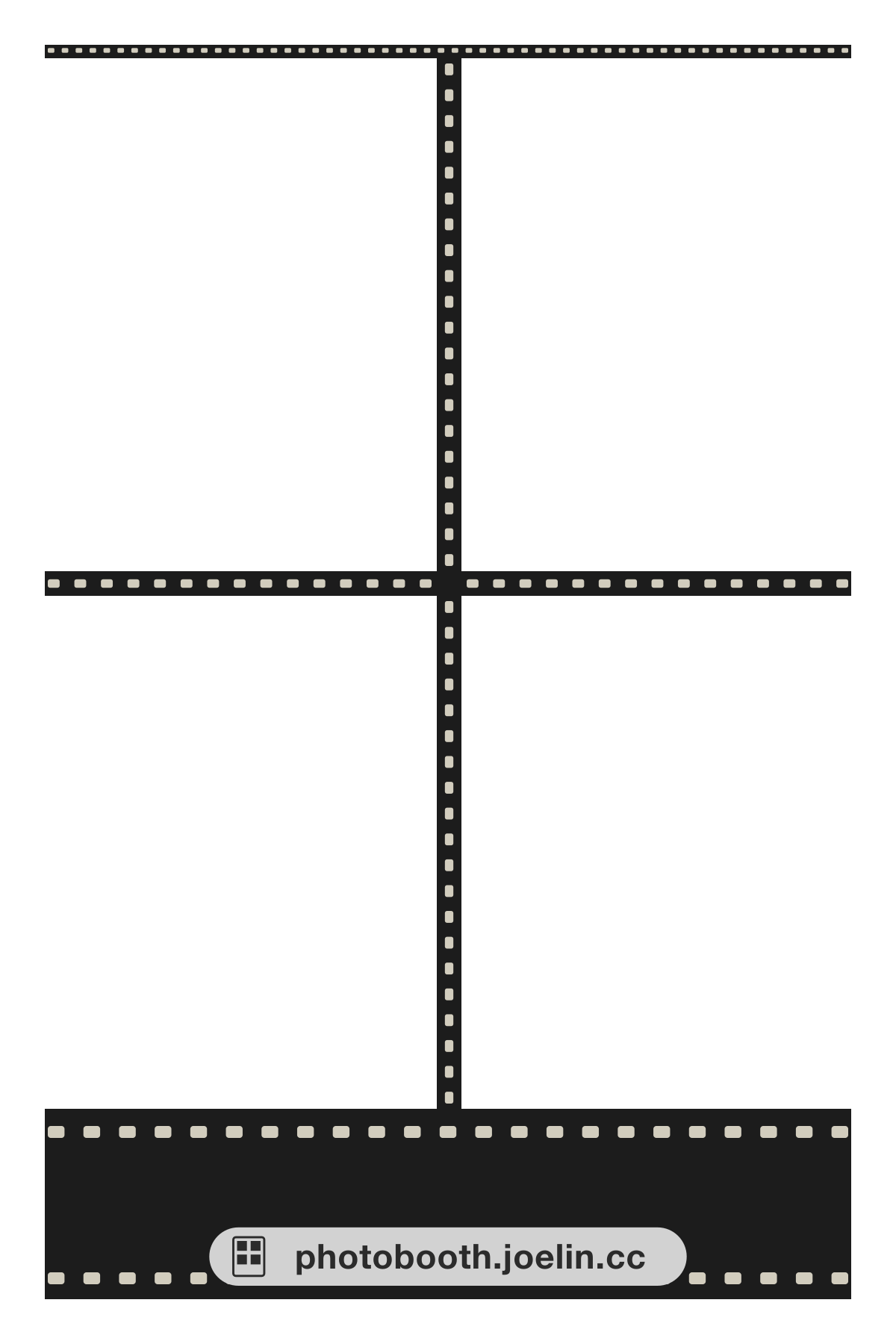 Film Strip Border Vintage
 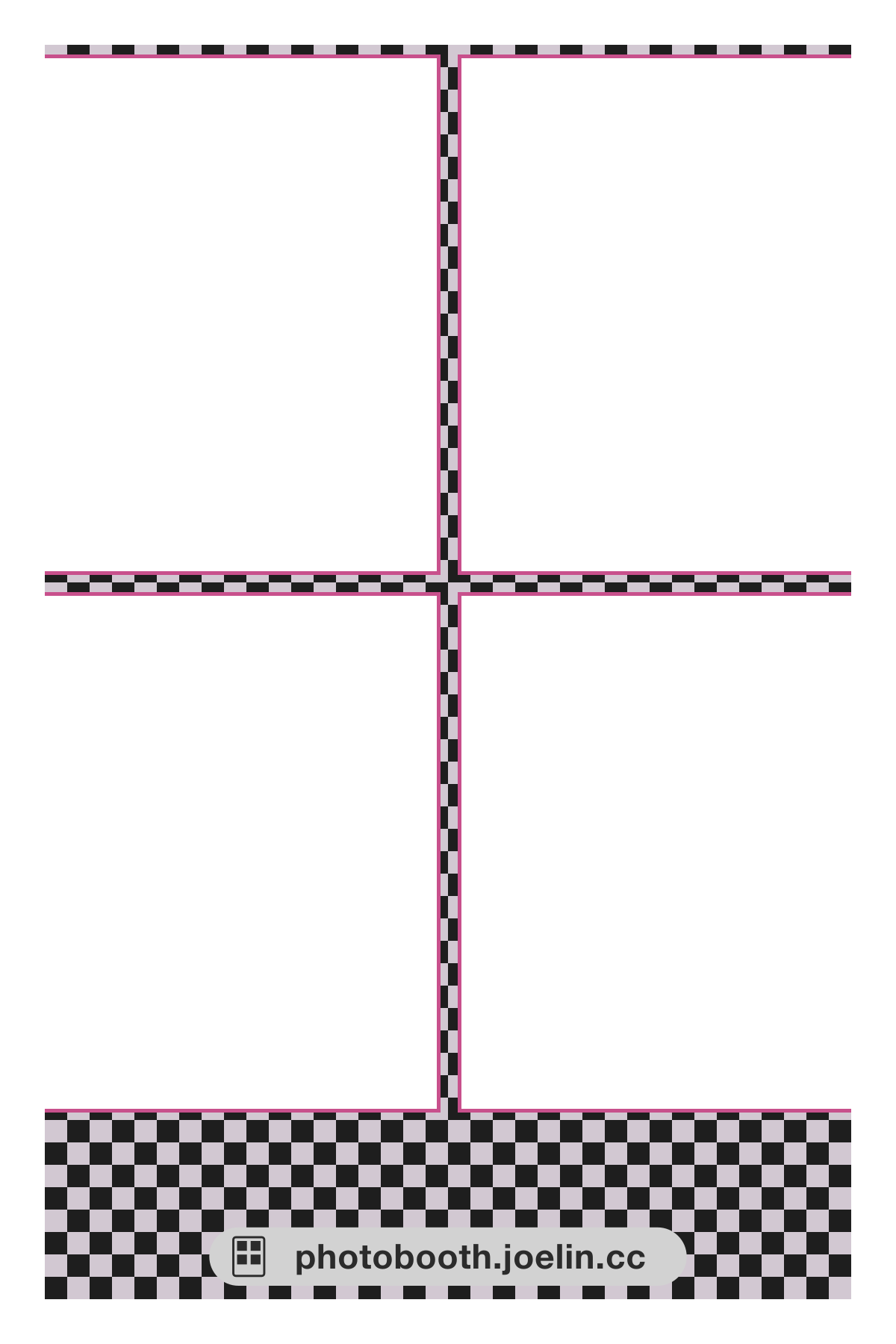 Checkerboard Border Vintage
 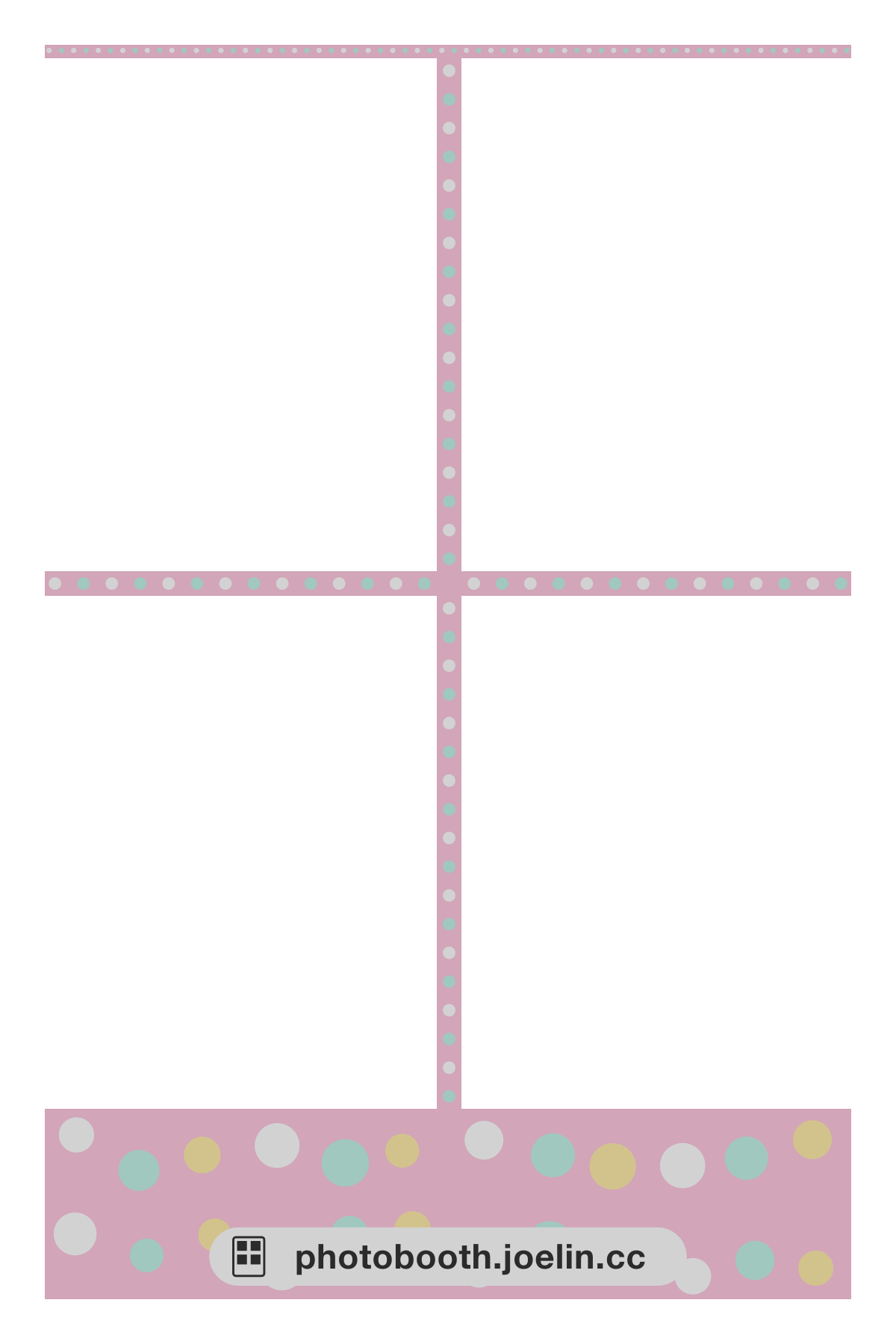 Pastel Polka Dot Border Cute
 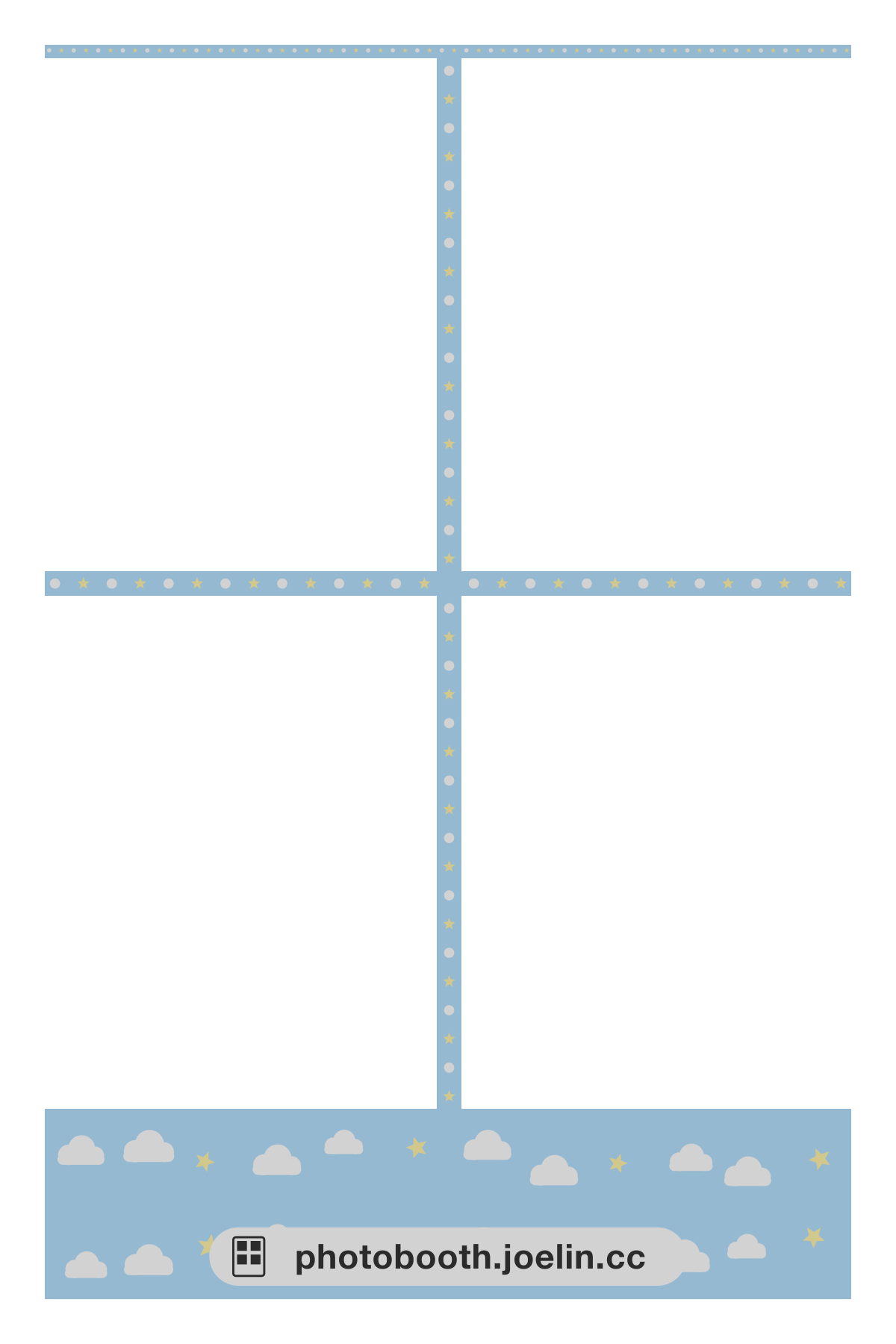 Cloud Border Cute
 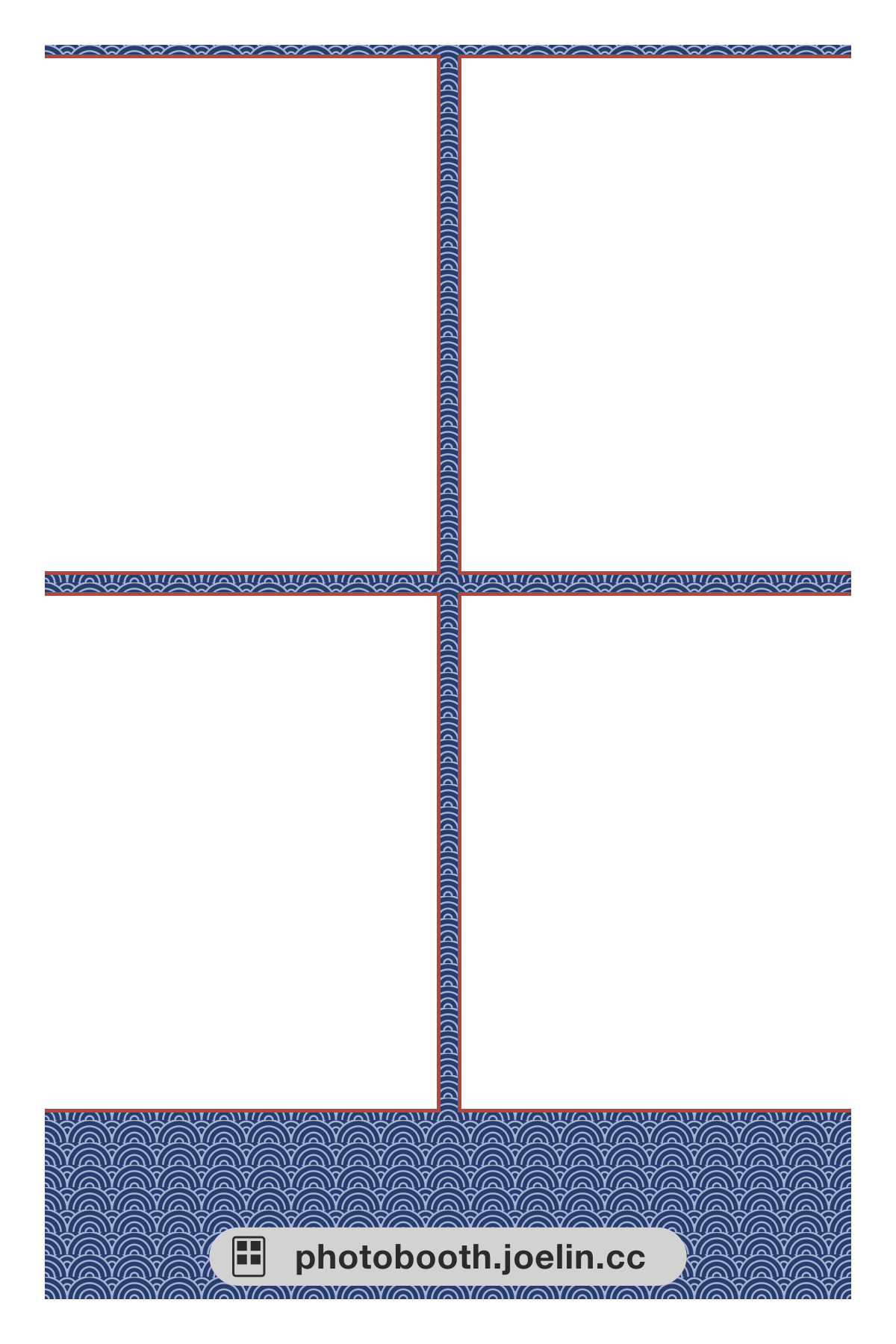 Japanese Wave Pattern Border Japanese style
 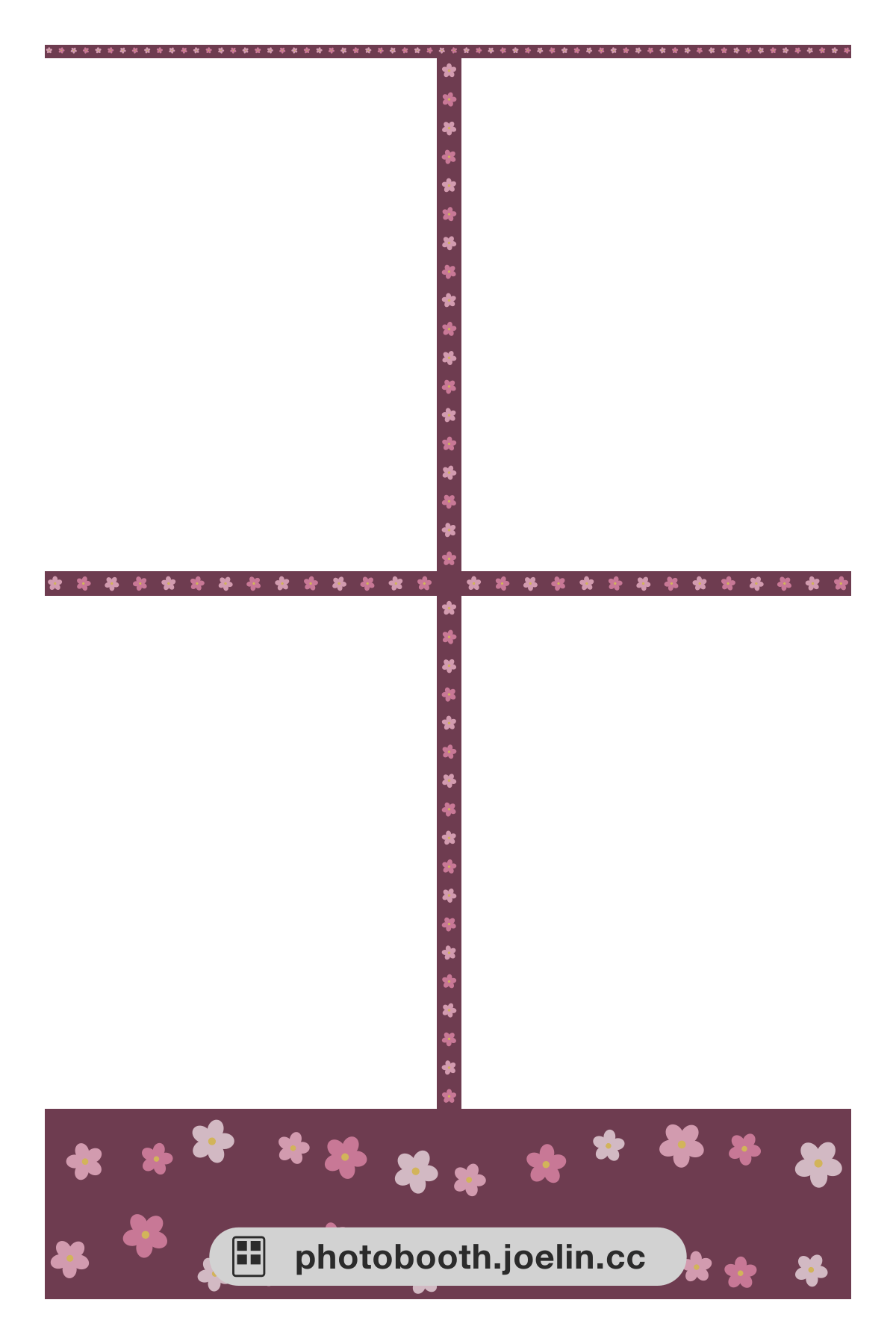 Cherry Blossom Border Japanese style
 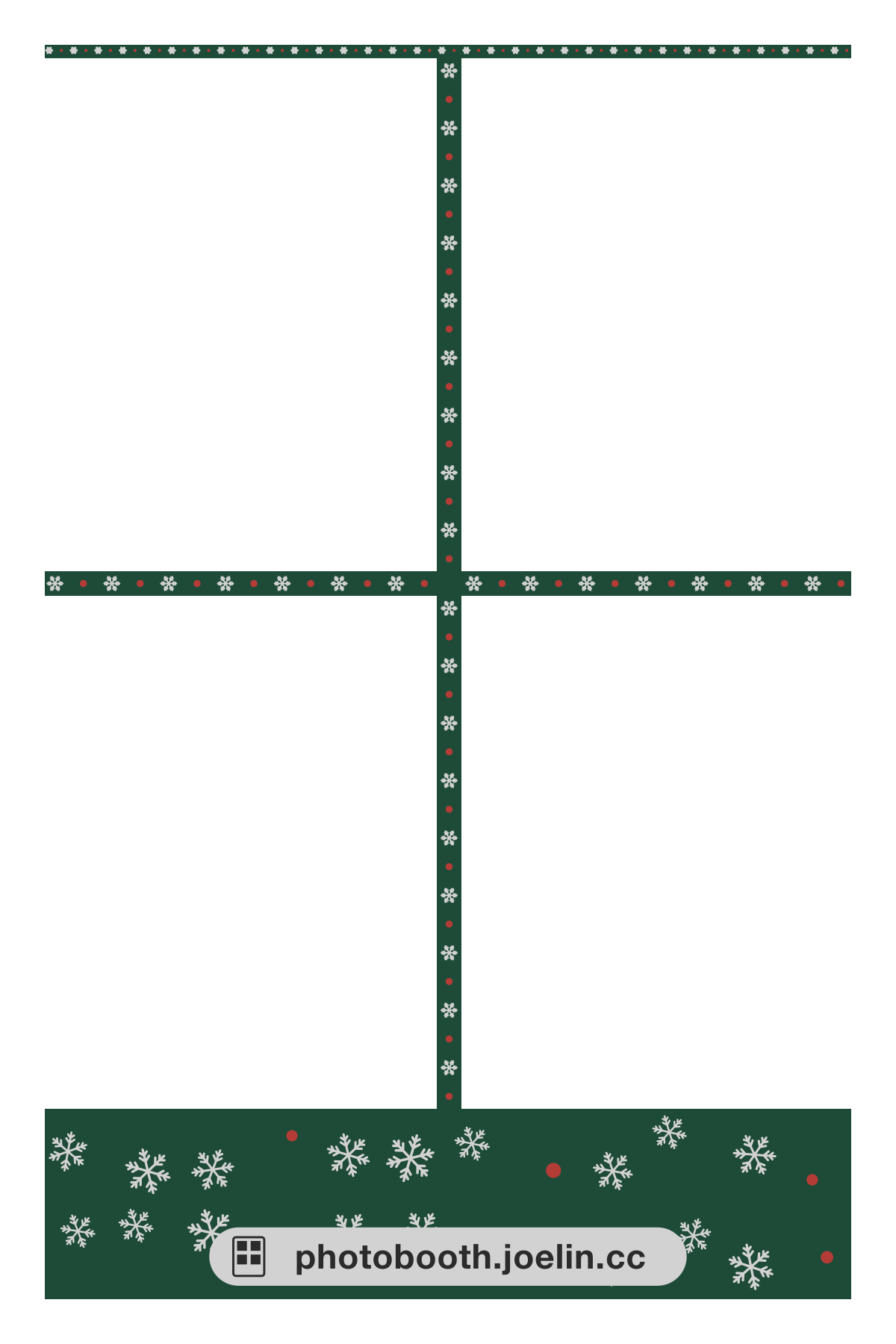 Christmas Snowflake Border Christmas
 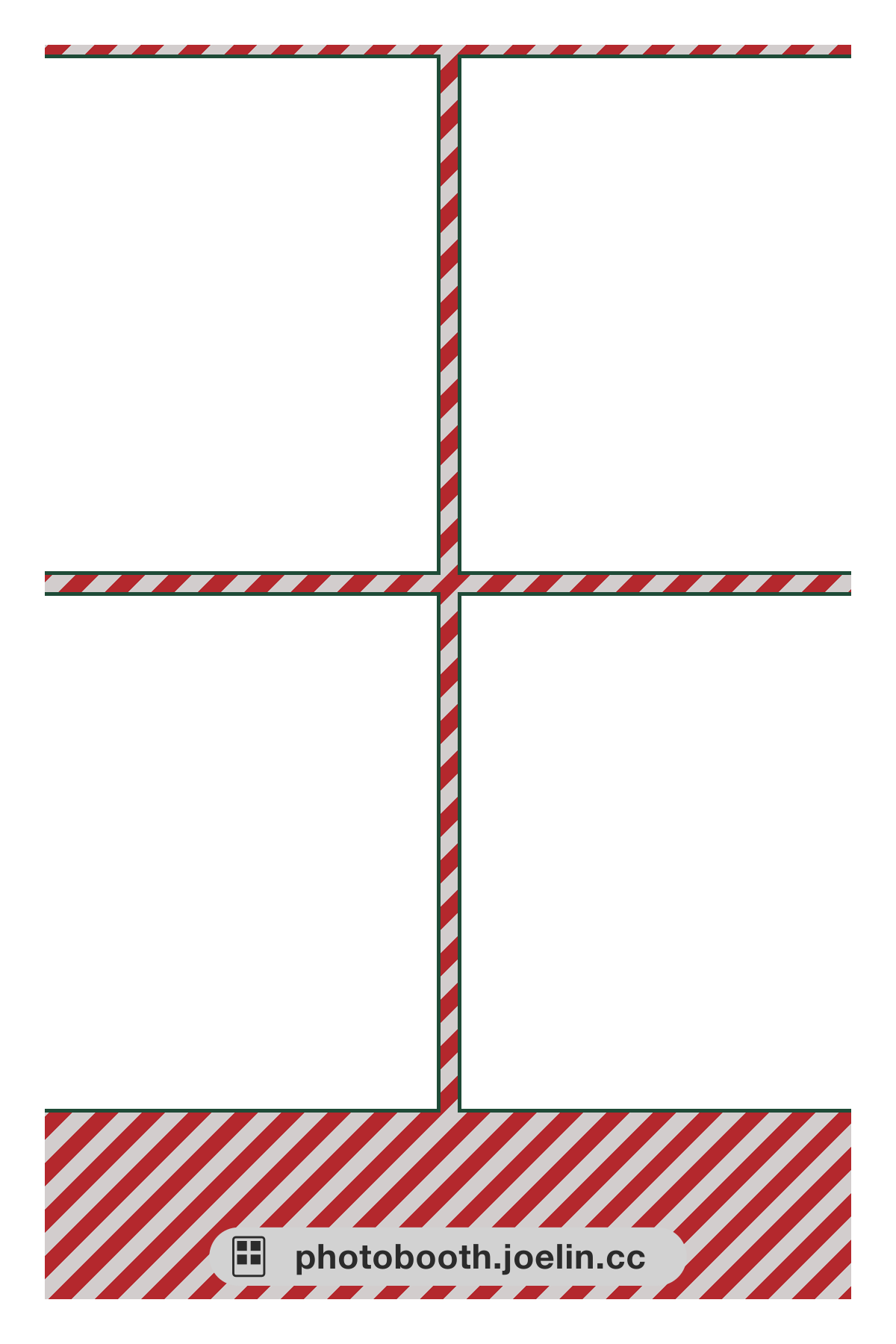 Candy Cane Stripe Border Christmas
 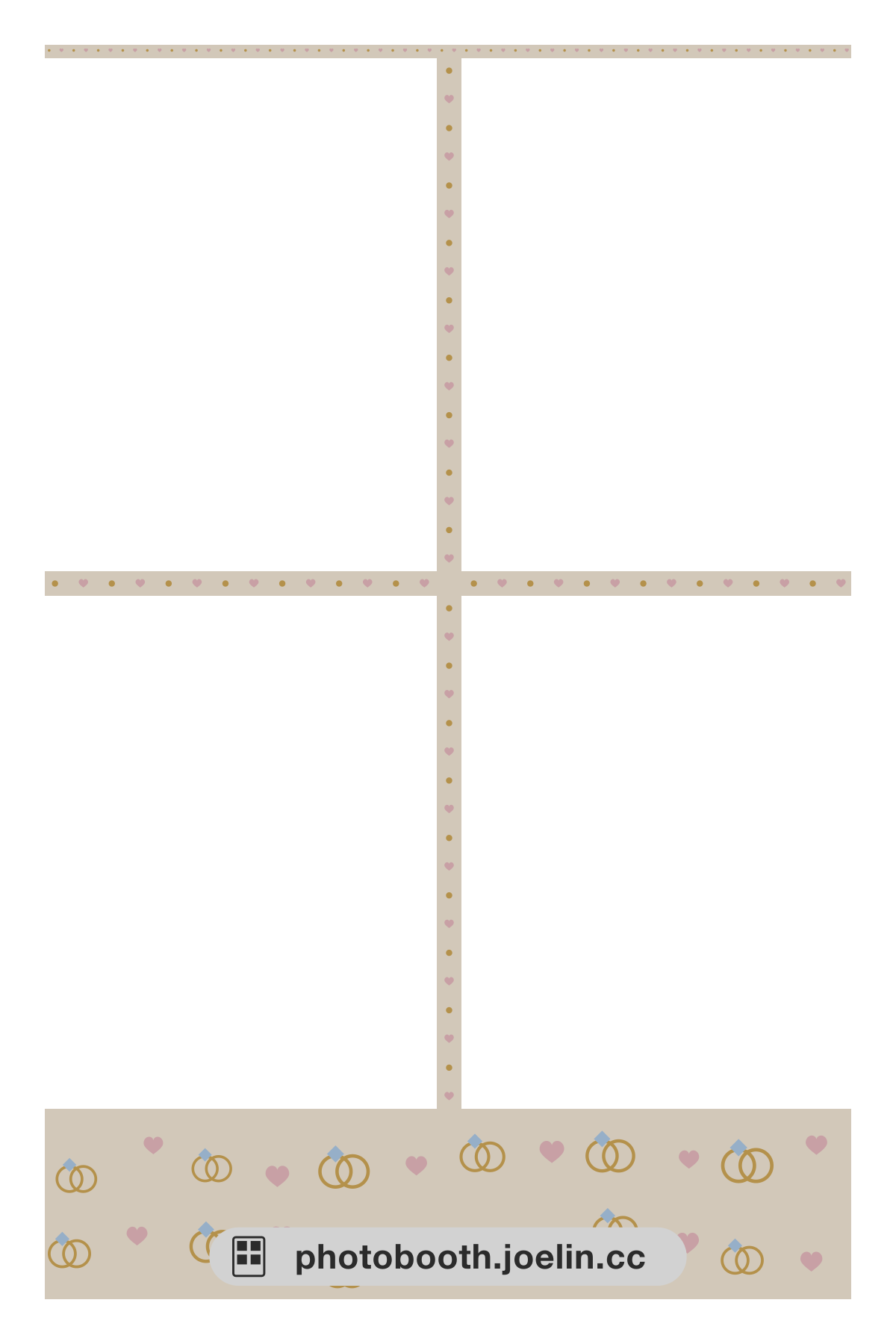 Wedding Rings Border Couple
 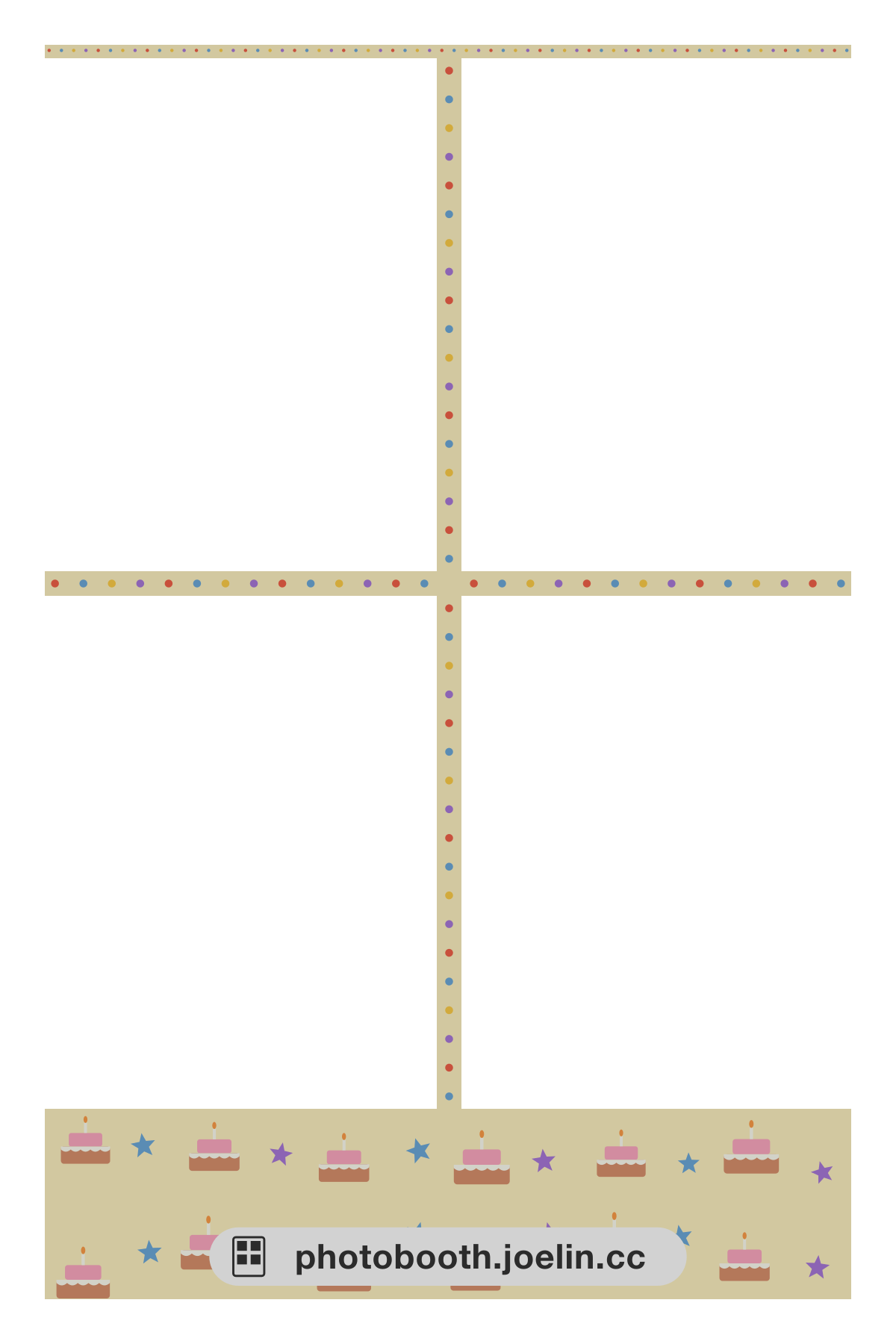 Birthday Cake Border Birthday
  Kraft Paper - Vintage Postmark Kraft paper
  Kraft Paper - Newsprint Stripe Kraft paper
 Thumbnails show each frame with sample illustrations (your photos show through the windows in the middle). Tap one to select that frame and jump back up to start shooting. The designs are generated by this site and are not official frames of any brand. You can also use your own design: upload an image with the same aspect ratio as the layout and the photo windows are cut out automatically (see the next section). ⚠️ These frames are for this tool and for printing yourself; they cannot be loaded into the menu of a physical photobooth machine.
Use your own frame: 5 steps with free Canva
No need to cut transparent windows yourself. Upload an image with the same aspect ratio as the layout and the photo windows are cut out automatically; files over 1 MB are compressed automatically in your browser. Saved frames are visible only to you, and you can pick them the next time you shoot.
- Download a blank template (grey = photo windows): Full 4×6(1200×1800)Two 2×6 vertical strips(1200×1800)4×3 horizontal cut(1800×1200)
- In Canva, create a design with “Custom size” set to 1200 × 1800 px (1800 × 1200 for the landscape 4×3 layout).
- Drag the template onto the canvas to fill it, then add text, stickers or a background color outside the grey windows.
- Choose “Share” → “Download” and pick PNG as the file type.
- Come back to this page, press “Use your own frame” above, choose the same layout and upload the image.
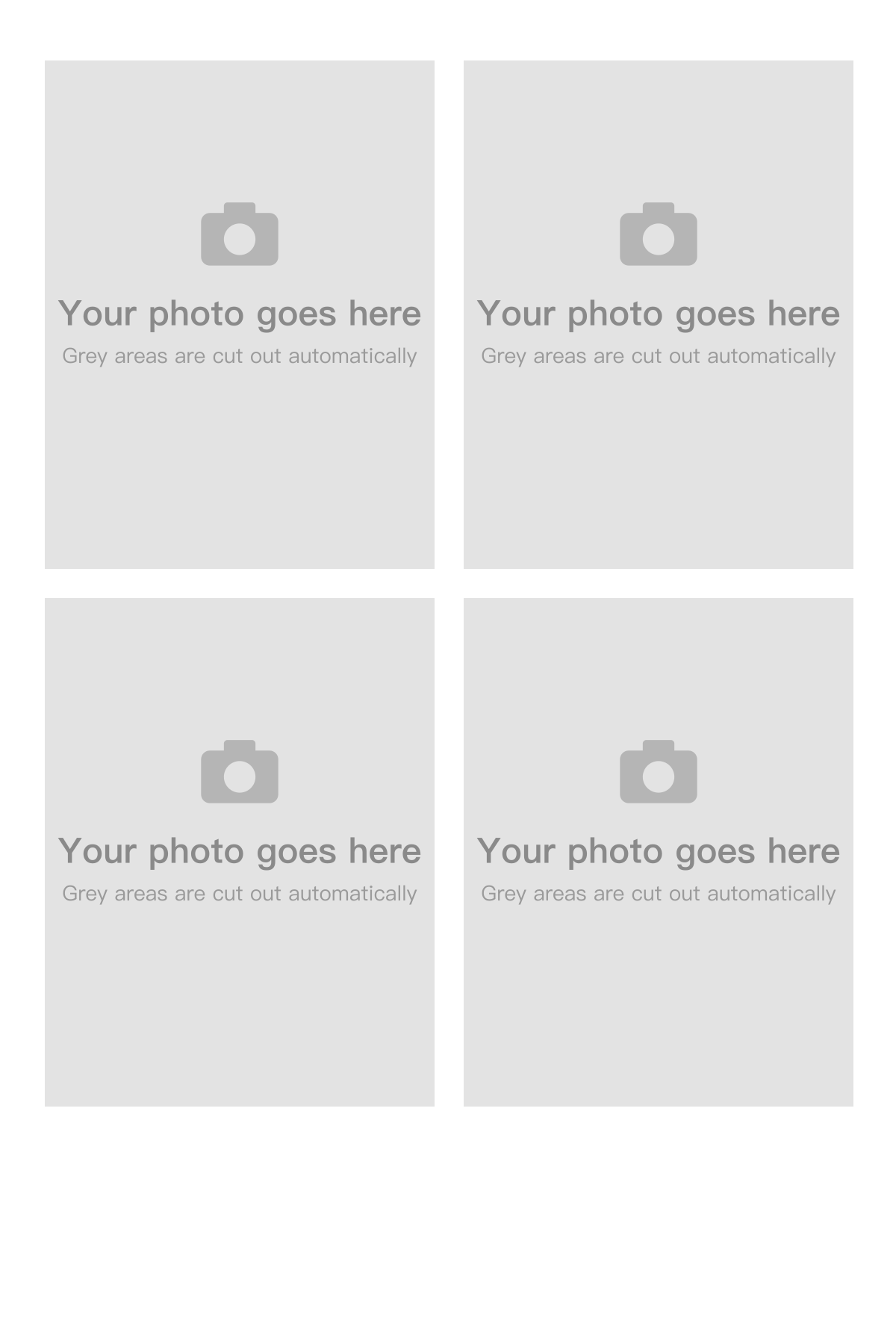
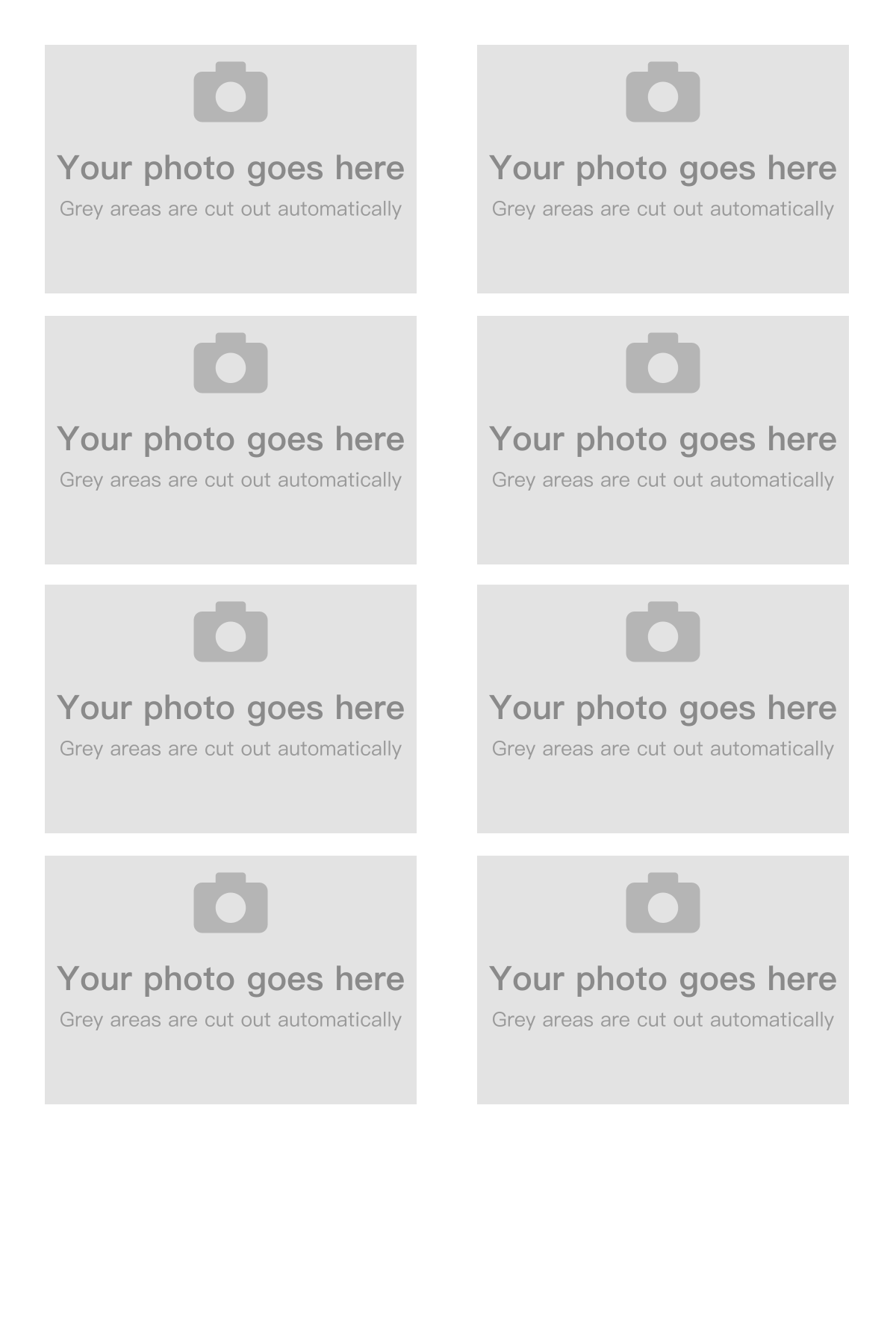
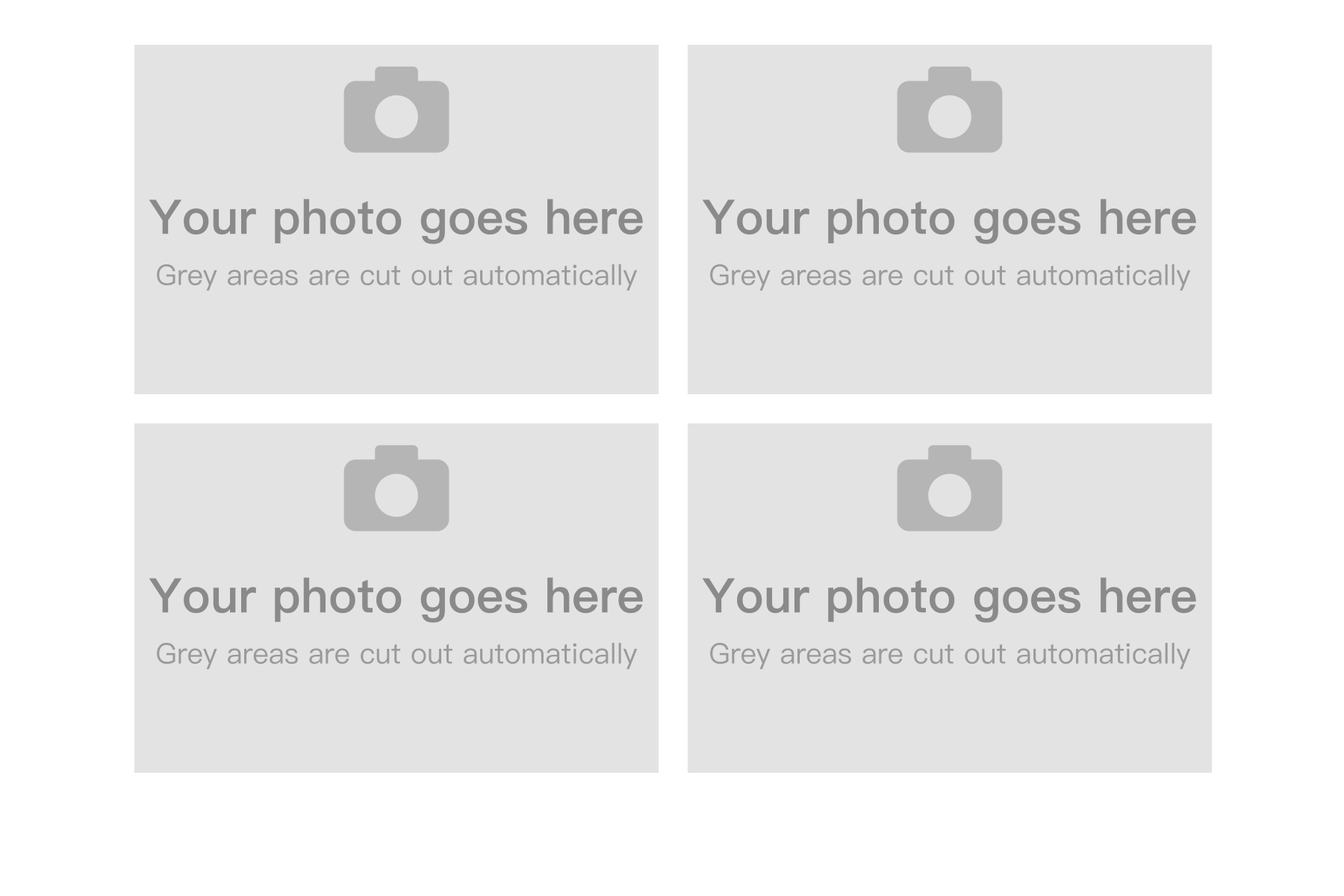
You don’t need to delete the grey windows — the photo windows are cut out automatically. Images with a different aspect ratio (e.g. 1080×1920) are rejected. If an image is so detailed that it is still over 1 MB at 64 colors, reduce photo backgrounds or large gradients. If you already made a PNG with transparent windows, choose “I already made a transparent frame”. The preview while you make a frame uses built-in sample images; your photos are not uploaded.
About the name “Life4Cuts”
“人生四格 / Life4Cuts” is both the name of a Korean photobooth chain and, for many people, a general way of saying “four-shot photo strip”. This tool is our own online four-shot tool. It is not affiliated with that brand and is not an online version of it.
Common questions
- Can I make a photo strip online without installing an app?
Yes. This tool runs inside the browser, so opening the URL on a phone, tablet or computer is all it takes — there is no app to install. Take four photos or upload four, and they are composed into a photo strip sized for 4×6 printing. Shooting, compositing and preview all happen in your browser, and your four original photos are never sent to a server. Downloading is the one step that needs a free joelin.cc sign-in (Google, Apple or email): the finished strip is saved to your account, so you can download it again from “My photos”. The full-size file is kept for 14 days and then deleted automatically, while the thumbnail stays in your account until you delete the photo or your account. - How do I make that kind of four-shot photo strip?
You line four photos up into a strip and export it as a printable file. With this tool the steps are: press start → take or upload four photos → choose a layout → sign in and download. There are three layouts: the full 4×6, two 2×6 vertical strips (the long shape of a traditional photobooth), and a 4×3 horizontal cut. The downloaded file is a 1200×1800, 300 DPI JPG, so a print shop or your own photo printer can print it. - Is this the same thing as the “Life4Cuts” brand?
No. “人生四格 / Life4Cuts” is the name of a Korean photobooth chain, and it has also come to be used generally for “four-shot photo strips”. This tool is our own online four-shot photo tool. It has no relationship with that brand and is not an online version of it. To find that brand’s physical stores, see our brand page and the location listings for each country. - Can I make my own template or my own frame?
Two separate things. (1) Layout — how the four shots are arranged and whether they are cut into strips: three are built in, so you just pick one. (2) Frame — the layer with borders, illustrations and text: frames are already available. You can apply one of the built-in site frames, or upload an image you designed as your frame (PNG or JPG with the same aspect ratio as the layout — the photo windows are cut out automatically). Style filters are still in development. On top of that, a frame that appears in the menu of a physical machine has to go through the route that machine’s brand offers, and they set the size and bleed specification. It is not something you finish here and put on a machine. - Is the Hong Kong “貼紙相” or the Korean 인생네컷 the same as what this tool makes?
Same thing, different names by region. Taiwan says 拍貼 (拍貼機), Hong Kong says 貼紙相, Korea says 인생네컷 (life four cuts), Japan says プリクラ, and in English it is a photo booth or a photo strip. This tool makes that kind of four-shot photo strip, and it works from any region in a browser of any language. The output is a 1200×1800, 300 DPI, 4×6 inch JPG — the format print shops take everywhere. - Is it free? Are there watermarks or ads?
It is free, with no watermark and no ads, and there is no app to install. The photos are composed inside your own browser and your originals are never sent to a server. Downloading needs a free joelin.cc sign-in (Google, Apple or email), and the finished strip is saved to your account at that moment — the full-size file for 14 days, the thumbnail until you delete the photo or your account.
Looking for a real photobooth?
- Find booths by country — Locations in Taiwan, Hong Kong, Japan, Korea, Vietnam, Malaysia, Indonesia, Singapore and Thailand.
- How Japanese purikura works — A practical first-time guide to the drawing booth, image retrieval, and the steps visitors most often miss.
- Why photobooths use dye sublimation — Follow one photo from capture to print, and separate printer supplier, integrator and consumer brand.